About MCP servers
The Model Context Protocol (MCP) is an open protocol that creates standardized connections between AI applications and external services, like documentation. Mintlify generates an MCP server from your documentation, preparing your content for the broader AI ecosystem where any MCP client (like Claude, Cursor, Goose, and others) can connect to your documentation. Your MCP server exposes a search tool for AI applications to query your documentation.How MCP servers work
When an MCP server is connected to an AI tool, the LLM can decide to use your documentation search tool during response generation.- The LLM can proactively search your documentation while generating a response, not just when explicitly asked.
- The LLM determines when to use the search tool based on the context of the conversation and the relevance of your documentation.
- Each tool call happens during the generation process, allowing the LLM to incorporate real-time information from your documentation into its response.
Accessing your MCP server
MCP servers can only be generated for public documentation. Documentation behind end-user authentication cannot be accessed for server generation.
/mcp path. For example, Mintlify’s MCP server is available at https://mintlify.com/docs/mcp.
You can see and copy your MCP server URL in your dashboard.
The /mcp path is reserved for hosted MCP servers and cannot be used for other navigation elements.
Using your MCP server
Your users must connect your MCP server to their preferred AI tools.- Make your MCP server URL publicly available.
- Users copy your MCP server URL and add it to their tools.
- Users access your documentation through their tools.
Example: Connecting to the Mintlify MCP server
Connect to the Mintlify MCP server to search our documentation. This will give you more accurate answers about how to use Mintlify in your local environment and demonstrates how you can help your users connect to your MCP server.Monitoring your MCP server
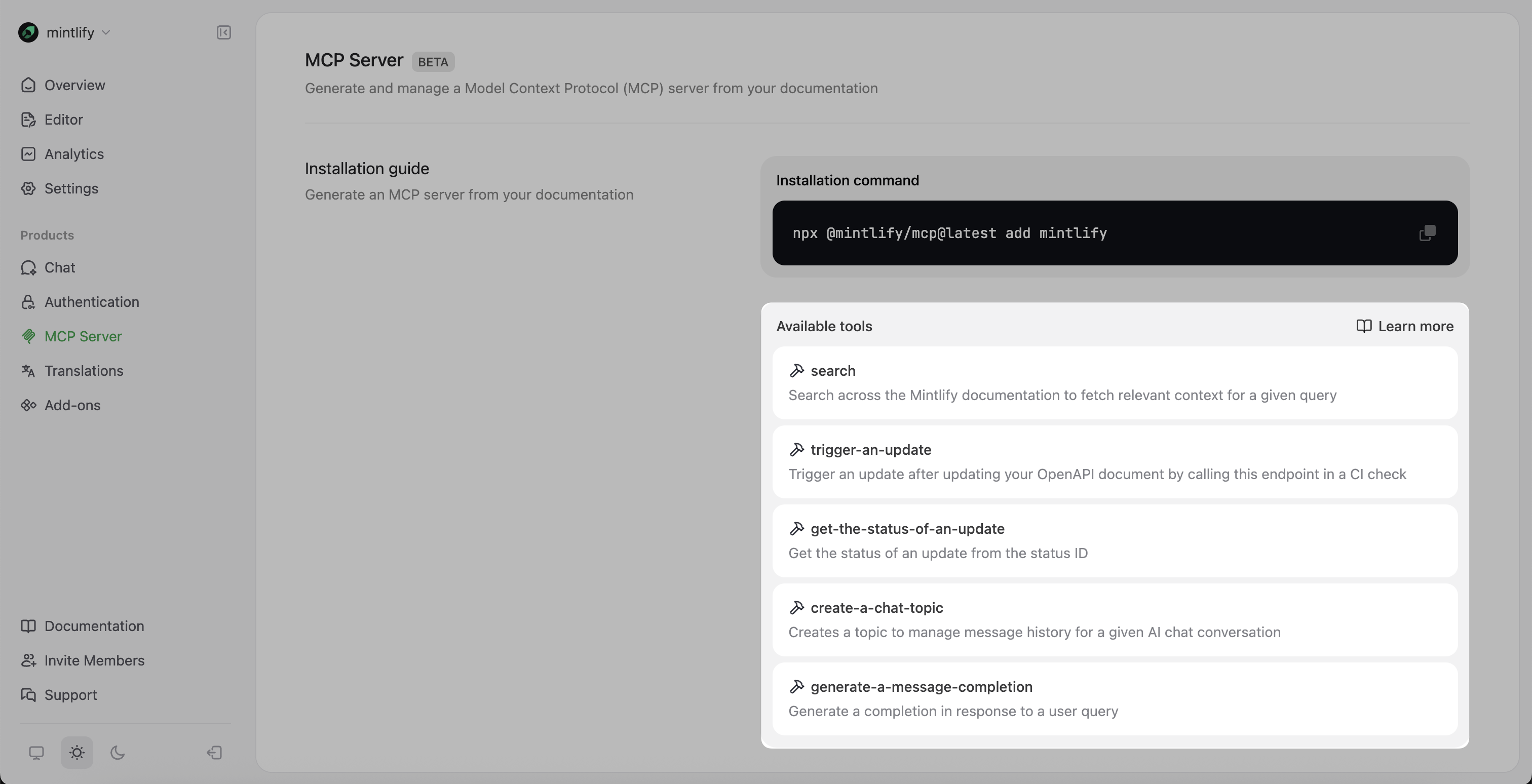
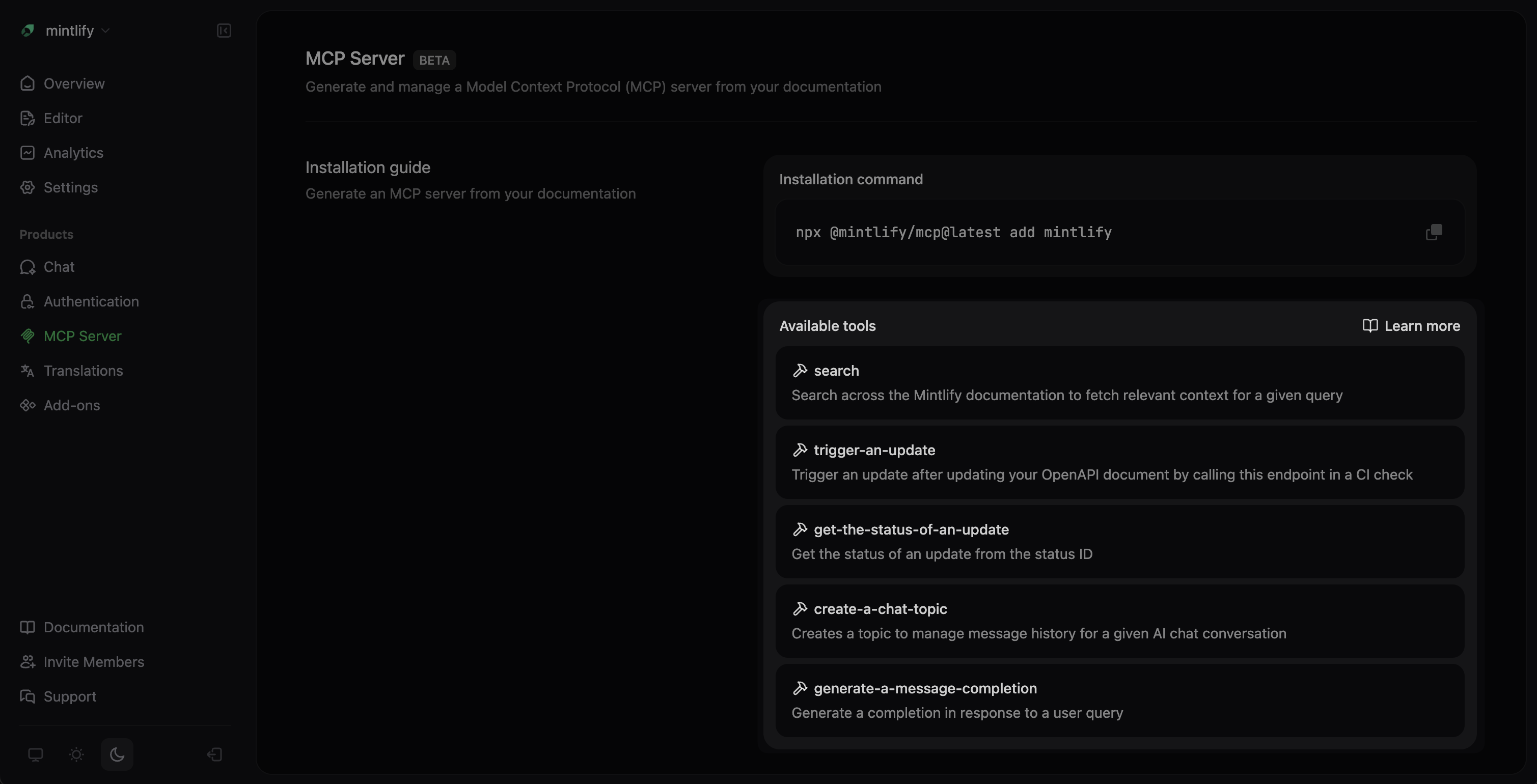
You can view all available MCP tools in the Available tools section of the MCP Server page in your dashboard.